2.3.2 Search information by tissue type or cell type
We provide two strategies for searching scATAC seq result data, namely searching sample data by tissue type and cell type. On the right side, a pie chart displaying different types of proportions based on different strategies is presented.
2.3.2.1 Tissue type
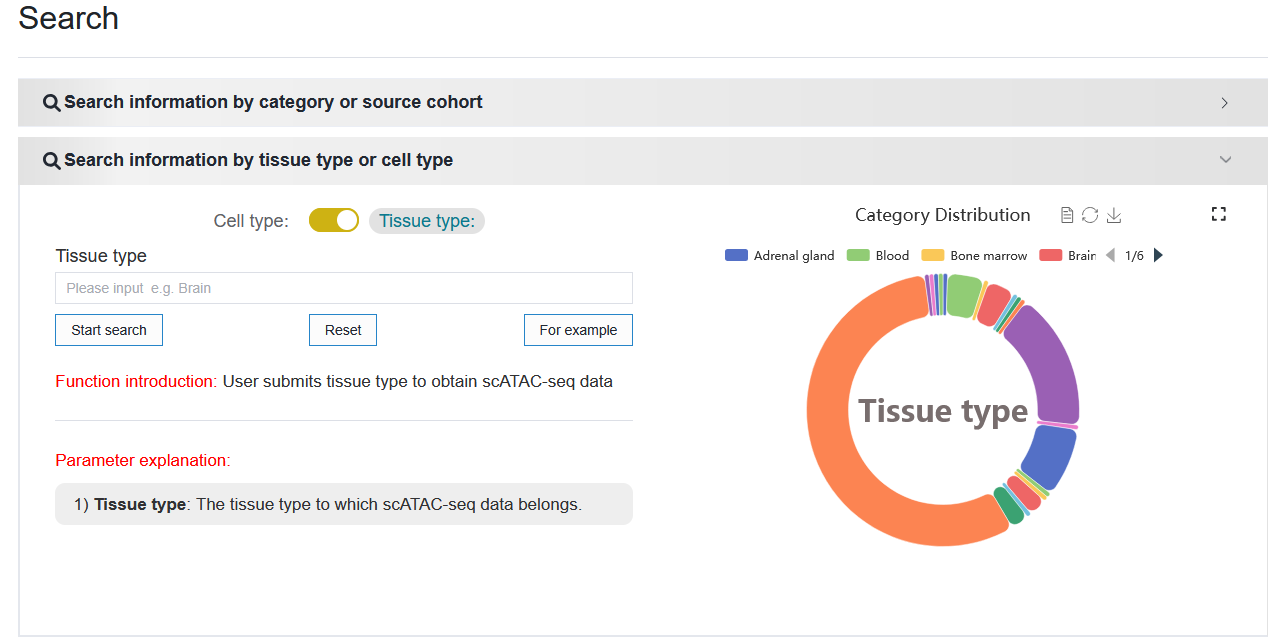
Click “Search” to access the scATAC-seq result data based on the search criteria.
Note
The selection box supports input prompts, and on the right side, you can click the cross to clear the input content.
Note
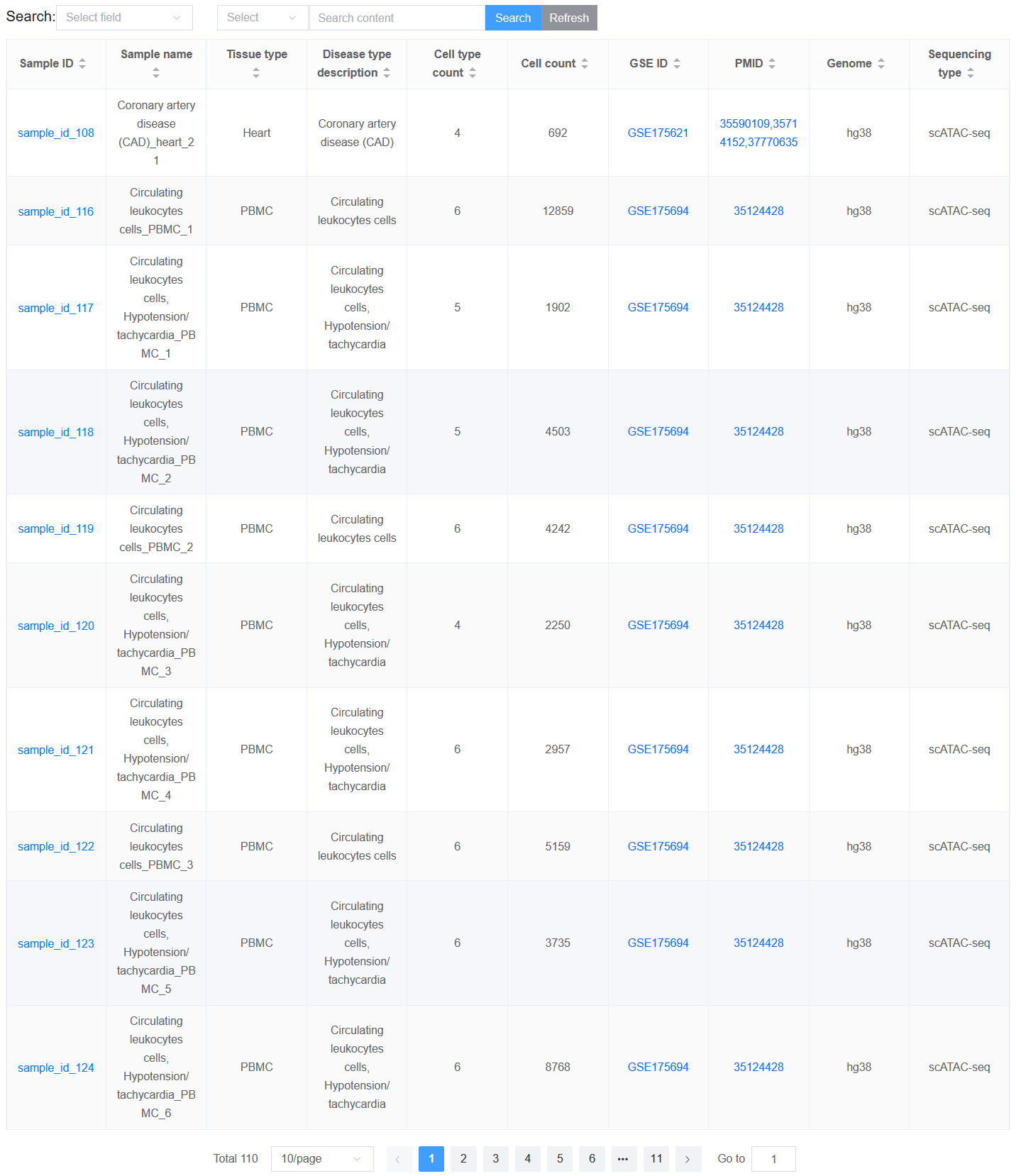
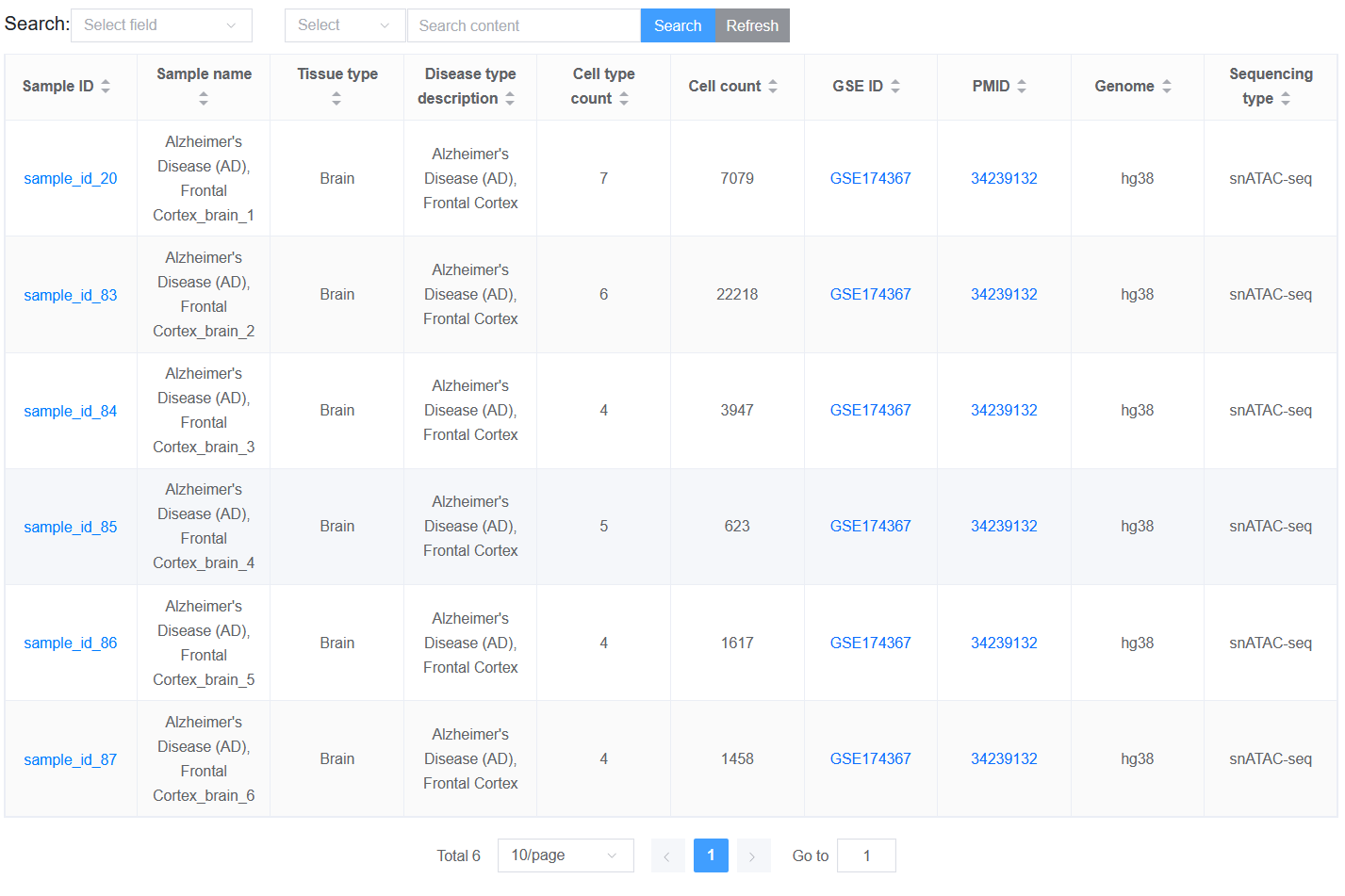
The table displaying the result information is much richer than page Data-browse.
2.3.2.2 Cell type
Click the toggle button to switch to the cell type condition, and the distribution of cell type numbers in all single-cell samples will appear on the right.
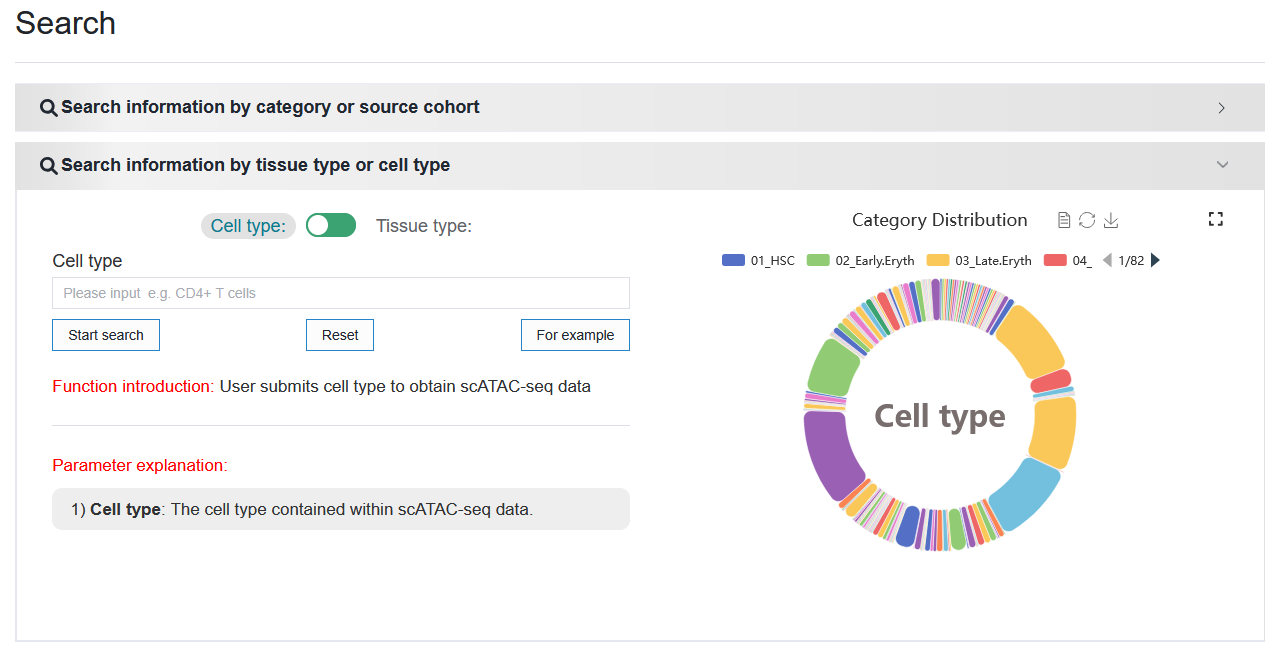
Click ‘Search’ to access the relevant single-cell result data based on the search criteria.